
Online Fee Payment
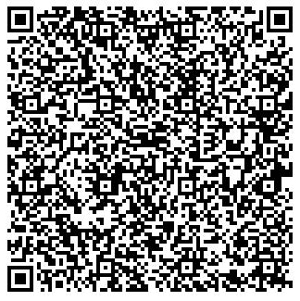
Pay your school fee securely using the official payment QR code provided by Ashoka International Public School.
Scan & Pay
Use your preferred UPI application to scan the official school QR code and complete the fee payment.
How to Pay
Open your UPI App
Open Google Pay, PhonePe, Paytm or another supported UPI application.
Scan the QR Code
Scan the QR code shown on this page and verify the payment details before proceeding.
Enter the Fee Amount
Enter the applicable fee amount and complete the transaction using your UPI PIN.
Save the Transaction Details
Take a screenshot or note the transaction/reference number after successful payment.
Need Help?
For fee payment assistance, please contact the school office.
☎ +91 0751-2401010 | +91 9893304342
✉ ashokacbse01@gmail.com
Please verify the payment details carefully before making the transaction. The school may require the transaction/reference number for payment verification.